
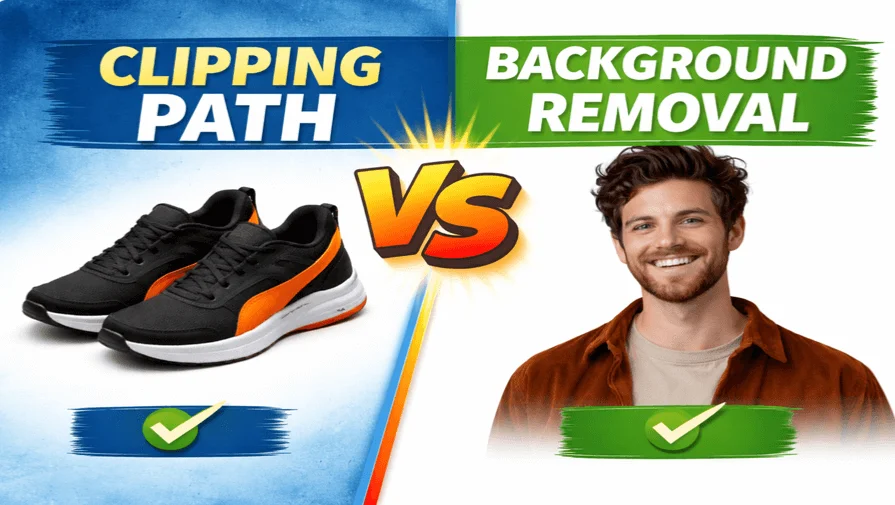
When it comes to creating clean, professional-looking product images, clipping path vs background removal is one of the most common image editing comparisons. Although these two techniques are sometimes used interchangeably, they are not the same, and choosing the wrong method can affect image quality, accuracy, and even conversion rates.
In this guide, we’ll explain the difference between clipping path and background removal, when to use each one, and which option is best for eCommerce and product images.
What is the Difference Between Clipping path and Background Removal?
The main difference is that a clipping path uses a manually drawn vector path to create sharp, precise edges around a product, while background removal is a broader technique that may use manual or AI tools to separate an object from its background. Clipping paths are best for hard-edge products, while background removal works for simple or soft-edge images
What Is a Clipping Path?
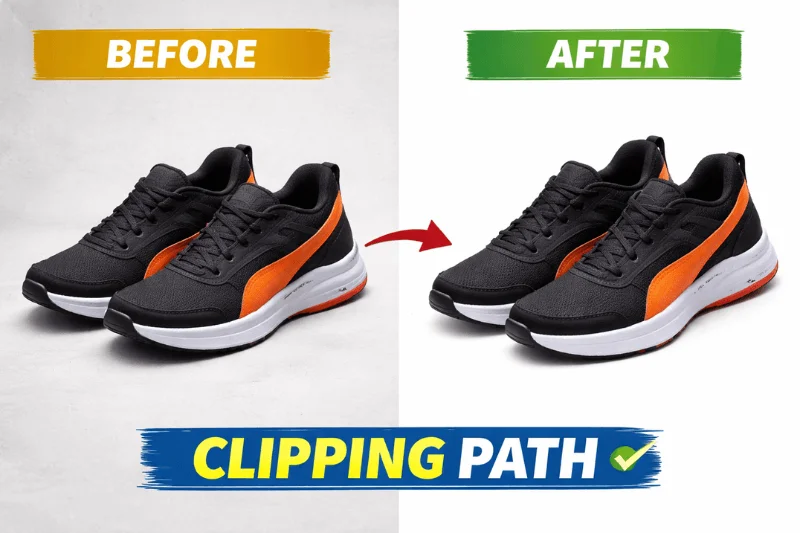
A clipping path is a precise, closed vector path manually drawn around an object using the Pen Tool in Adobe Photoshop. This path allows editors to isolate a subject from its background with sharp, clean edges.
Clipping paths are ideal for objects with hard, well-defined edges, such as shoes, electronics, furniture, bottles, and boxes. Because the path is vector-based, it can be scaled without losing quality. Professional clipping path services are commonly used in eCommerce to create consistent, studio-ready product images that meet marketplace requirements.
What Is Background Removal?
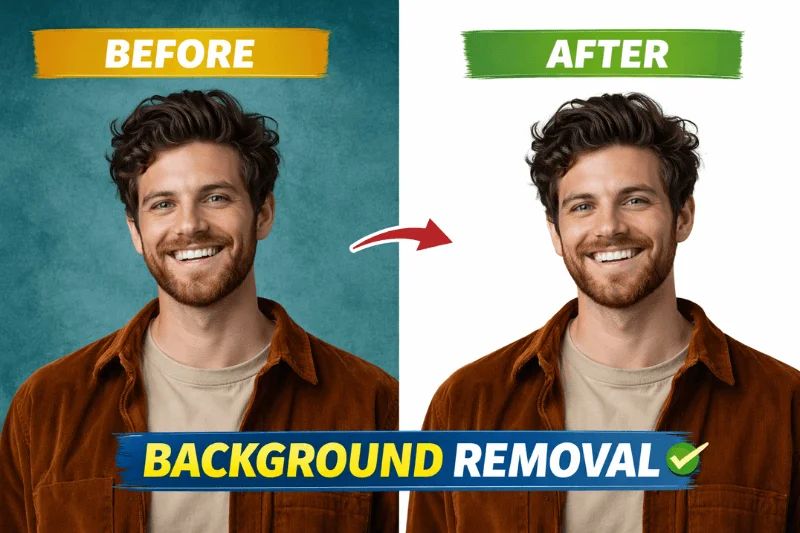
Background removal is a broader image editing process that separates a subject from its background. This can be done manually, semi-automatically, or using AI-powered tools.
Background removal works well for simple images where the subject contrasts clearly with the background. Many online tools offer instant background removal, but accuracy can suffer when dealing with shadows, fine edges, or complex objects.
A professional background removal service combines manual editing techniques and strict quality control to ensure precise, production-ready results for ecommerce product images. Businesses that require bulk image processing often rely on experienced editors to maintain accuracy and consistency at scale.
Important Note on Hair and Fur
For subjects with hair, fur, or soft edges, background removal or image masking is more appropriate than clipping paths, as vector paths cannot accurately capture fine details.
Clipping Path vs Background Removal: Key Differences
| Features | Clipping Path | Background Removal |
| Editing Method | 100% manual, vector-based | Manual / AI-based |
| Edge Accuracy | Very high | Medium to high |
| Best for | Hard-edge products | Simple objects or quick edits |
| Scalability | Scales without quality loss | Raster-based |
| eCommerce Use | Ideal for product listings | Suitable for basic images |
Which is Better for eCommerce Product Images?
For eCommerce businesses, image quality directly affects trust and conversion rates.
Clipping path is best for professional product listings where accuracy, consistency, and clean edges are required. That’s why many online sellers rely on ecommerce clipping path services for consistent, marketplace-ready product photos.
Background removal is suitable for quick edits, lifestyle images, or non-critical visuals. Amazon, Shopify, and WooCommerce sellers typically prefer clipping paths for catalog images because they deliver consistent results across large product volumes.
When Should You Use Clipping Path?
You should choose professional clipping path services when:
- Products have hard or straight edges
- You need pixel-perfect accuracy
- Images require color correction or shadow creation
- You want consistent backgrounds for large catalogs
- High-end product presentation is required
These are some of the most common uses of clipping paths in professional product image editing. Examples include electronics, footwear, jewelry (without hair/fur), tools, and household products.
When Should You Use Background Removal?
Background removal is a better option when:
- Images are simple and low-complexity
- Speed is more important than precision
- Images are for social media or temporary use
- Budgets are limited for small projects
For images involving hair, fur, smoke, or transparency, image masking is often the most accurate solution.
Manual Editing vs Automated Tools
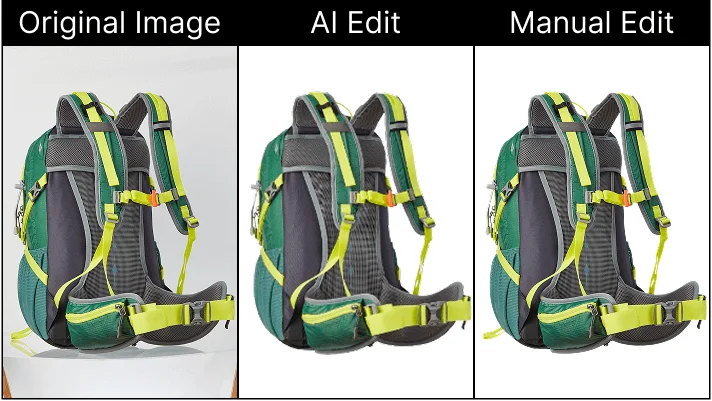
AI-based background removal tools are fast, but they often struggle with:
- Shadows
- Fine edges
- Transparent or reflective objects
- Consistent quality in bulk images
Manual clipping path editing delivers higher accuracy, better edge control, and professional-quality results—especially for commercial and eCommerce use.
Want pixel-perfect product images? Get professional manual clipping path services today.
Which One Is Right for You?
If accuracy, scalability, and professional presentation matter, clipping path is the better choice. If you need quick, simple background separation for non-critical images, background removal may be enough. For most eCommerce sellers and agencies, combining both methods—based on image complexity—delivers the best results.
Frequently Asked Questions
Clipping path uses a manually drawn vector path for sharp, precise edges, while background removal is a broader technique that may include AI or automated tools.
Yes, for professional product images and eCommerce listings, clipping path offers better accuracy and consistency.
AI tools are improving, but they still cannot match the precision of manual clipping paths for complex or high-volume commercial projects.
Clipping path is preferred because it produces clean white backgrounds and consistent image quality that meets Amazon’s guidelines.
Final Thoughts on Clipping Path vs Background Removal
Understanding the difference between clipping path and background removal helps you choose the right solution for your images. For professional results, especially in eCommerce, manual clipping path services remain the gold standard for professional product image editing.
If you want clean, accurate, and scalable image editing, choosing the right method can make a measurable difference in your brand’s visual quality and sales performance. To plan your budget effectively, you can also review the clipping path service cost before getting started.