
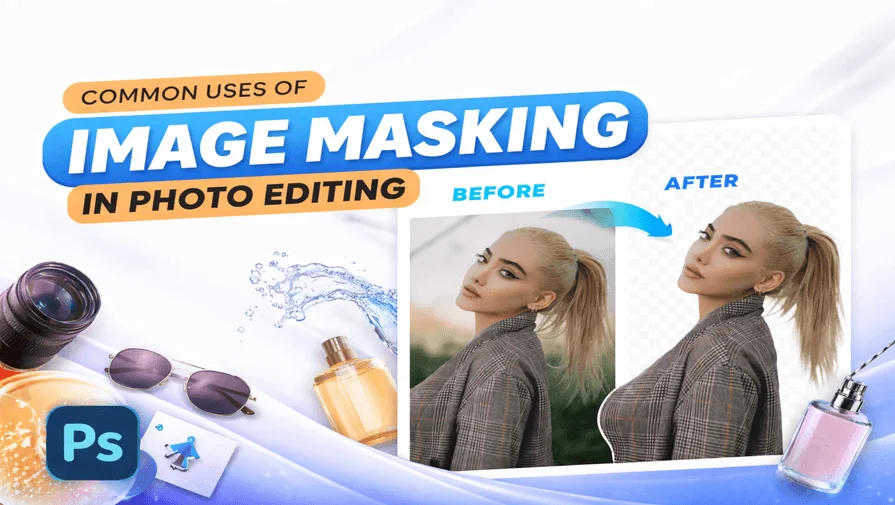
The common uses of image masking include isolating complex elements such as hair, fur, glass, smoke, and transparent objects while preserving fine details, soft edges, and natural transparency. Image masking plays a crucial role in eCommerce, advertising, fashion, and photography, where high-quality visuals are essential for achieving realism, consistency, and a professional presentation.
What Are the Common Uses of Image Masking?
The common uses of image masking include editing hair and fur, transparent and translucent objects, eCommerce product images, advertising visuals, and creative photo compositing, where realism and precision are essential.
1. Hair and Fur Editing
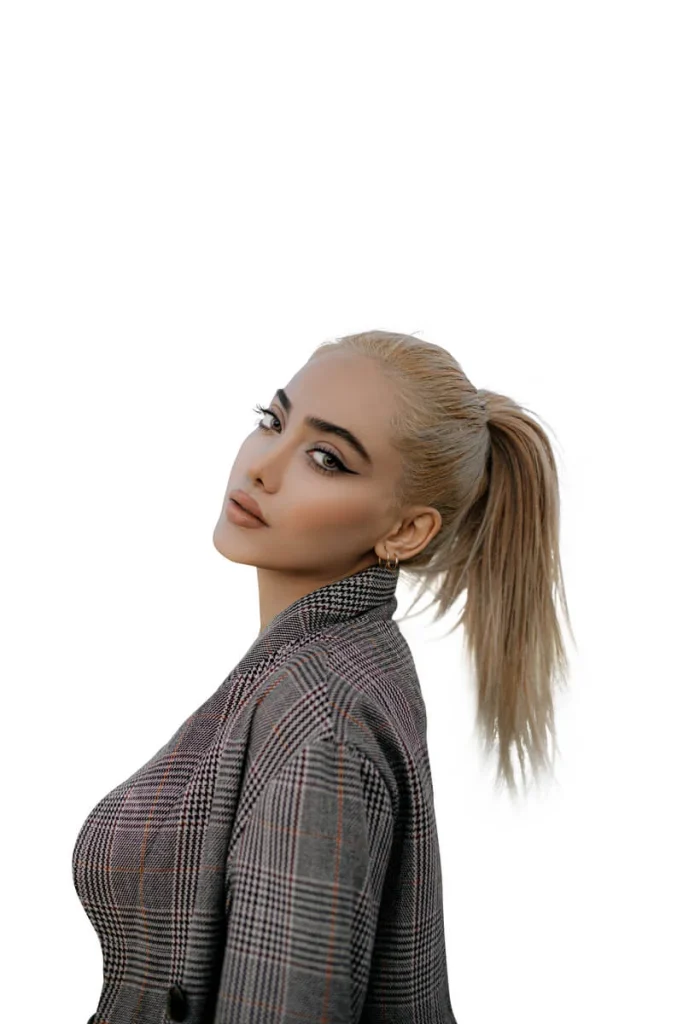
Hair and fur are among the most challenging elements to edit accurately. Individual strands are thin, irregular, and often blend into the background, making them difficult to isolate using basic tools.
Image masking helps to:
- Preserve individual hair strands and fine textures
- Maintain natural softness and volume
- Avoid harsh or jagged edges
- Blend hair seamlessly into new backgrounds
This technique is essential in fashion photography, portrait retouching, pet photography, and lifestyle imagery, where realism is non-negotiable. Without masking, hair often looks artificial, flat, or poorly cut, which instantly reduces image quality.
2. Transparent and Translucent Object Editing
Standard background removal techniques fail when objects are transparent or translucent. Glass, water, plastic, and reflective surfaces interact with their surroundings, reflecting light and allowing background colors to show through.
In these cases, professionals use image masking to:
- Preserve reflections, highlights, and refractions
- Maintain realistic transparency and depth
- Retain natural interaction between the object and the background
- Avoid flat or unrealistic cutouts
This makes masking indispensable for product photography, advertising visuals, and commercial design, where accuracy and realism directly impact brand perception.
3. eCommerce Product Image Enhancement
In eCommerce, image quality plays a direct role in customer trust and purchasing decisions. Products often feature glossy surfaces, curved edges, soft materials, or transparent parts that cannot be edited accurately using automated tools alone.
Image masking is commonly used in eCommerce to:
- Remove or replace backgrounds cleanly
- Add natural shadows and reflections
- Maintain consistent product presentation
- Enhance details without damaging textures
Marketplaces like Amazon, Shopify, and WooCommerce demand high-quality, uniform visuals. Image masking ensures products look professional, realistic, and consistent across large catalogs.
4. Advertising and Creative Compositing
Creative compositing involves combining multiple visual elements into a single, cohesive image. This is common in advertising, branding, and promotional campaigns where imagination and realism must coexist.
Image masking allows designers to:
- Blend multiple elements seamlessly
- Control lighting, shadows, and depth
- Maintain realistic edges and transitions
- Create visually striking yet believable compositions
Whether it’s a digital billboard, social media campaign, or product launch banner, masking ensures that composite images look intentional and professionally crafted rather than obviously manipulated.
5. Photo Retouching and Post-Production
In professional post-production, image masking is a core tool for selective editing. Instead of applying adjustments globally, editors can target specific areas of an image while preserving the original file.
Masking is commonly used to:
- Adjust highlights and shadows selectively
- Enhance colors without affecting skin tones
- Refine edges and details
- Perform advanced retouching non-destructively
Editors often rely on image masking in Photoshop to achieve precise control over complex edits. Because changes can be modified or reversed at any time, masking is essential for high-end retouching projects.
Why Different Image Masking Techniques Are Used
Not all images present the same challenges. Different masking techniques are used depending on the subject, background, and level of complexity involved.
Common masking approaches include:
- Layer Masking – Ideal for soft edges, hair, and fur
- Alpha Channel Masking – Best for complex details and low-contrast backgrounds
- Transparent Object Masking – Used for glass, water, smoke, and reflective materials
Choosing the correct technique improves accuracy, speeds up workflow, and ensures the final image looks natural rather than over-edited.
Image Masking vs Other Background Removal Methods
Clipping paths and automated background removal tools work well for objects with hard, clearly defined edges. However, they struggle when images include:
- Soft transitions
- Transparency
- Fine details
- Overlapping textures
In these situations, image masking outperforms other methods by preserving subtle details and natural blending. When realism and quality matter, masking is the preferred solution.
Why Businesses Use Professional Image Masking Services
Many businesses choose professional image masking services instead of relying on automated tools or in-house shortcuts. The reasons are clear:
- Manual masking ensures consistent, high-quality results
- Large image volumes require precision at scale
- Automated tools often fail with complex subjects
- Professional masking enhances brand credibility
High-quality visuals directly influence marketing performance, customer trust, and conversion rates. For brands that depend on visual presentation, image masking is an investment rather than an expense.

When Should You Use Image Masking?
Image masking should be used when:
- Images include hair, fur, smoke, or soft edges
- Products are transparent, glossy, or reflective
- High-resolution, realistic output is required
- Consistency across multiple images is critical
In these cases, image masking is not optional—it is essential for achieving professional results.
Conclusion
The common uses of image masking go far beyond simple background removal. From hair and fur editing to glass, water, and creative compositing, image masking is a foundational technique in professional photo editing. For businesses, photographers, and agencies that depend on high-quality visuals, image masking ensures precision, realism, and flexibility that automated tools cannot match.
Frequently Asked Questions
Image masking is commonly used for editing hair and fur, transparent objects, eCommerce product images, advertising visuals, and creative photo compositing.
While Photoshop is the most widely used tool, image masking can also be done using photo masking apps for quick edits on Android and iOS devices.
Image masking ensures clean edges, realistic shadows, and consistent product presentation, which improves customer trust and conversions.
Choose image masking when working with soft edges, transparency, hair, fur, or complex subjects where realism is critical.