

Background removal has become a fundamental part of modern digital imagery. From ecommerce product photos and logos to marketing visuals and website graphics, clean and accurate backgrounds directly influence how images are perceived and how effectively they perform.
Poor background removal—such as jagged edges, color halos, or inconsistent backgrounds—can reduce trust, distract users, and weaken brand credibility. At the same time, users often struggle to choose the right background type, select the right tools, and decide when automation is sufficient versus when advanced techniques are required.
While many users look for instant background removal tools, understanding how background removal works is essential for achieving professional-quality results.
This page is designed as a complete, high-level guide to background removal. It explains what background removal is, how it works, the most common methods and tools used today, and when transparent or white backgrounds are the right choice. Rather than focusing on step-by-step tutorials, this guide provides strategic clarity and real-world context.
What Is Background Removal?
Background removal is the process of separating a subject from its original background in an image or video so it can be placed on a new background or used with transparency. It is commonly used in ecommerce, branding, marketing, and web design to improve clarity, consistency, and visual focus.
This process enables users to reuse images across multiple platforms and formats. A single product image, for example, may need to appear on an ecommerce website, a marketplace listing, a social media ad, and a printed catalog—each with different background requirements.
The complexity of background removal varies. Simple objects with clean edges are relatively easy to isolate, while subjects with hair, fur, shadows, reflections, or transparent elements require advanced techniques and careful refinement.
Why Background Removal Matters
Background removal is not only a visual enhancement—it plays a functional and strategic role. Clean backgrounds help users focus on the subject without distraction. In ecommerce, this improves product clarity and buyer confidence.
In branding and marketing, background-free images allow greater design flexibility and consistency. For websites and apps, properly prepared images integrate more smoothly into layouts and improve overall user experience.
From a performance perspective, well-optimized visuals contribute to higher engagement and lower bounce rates, which indirectly support overall site quality signals.
Transparent Background vs White Background
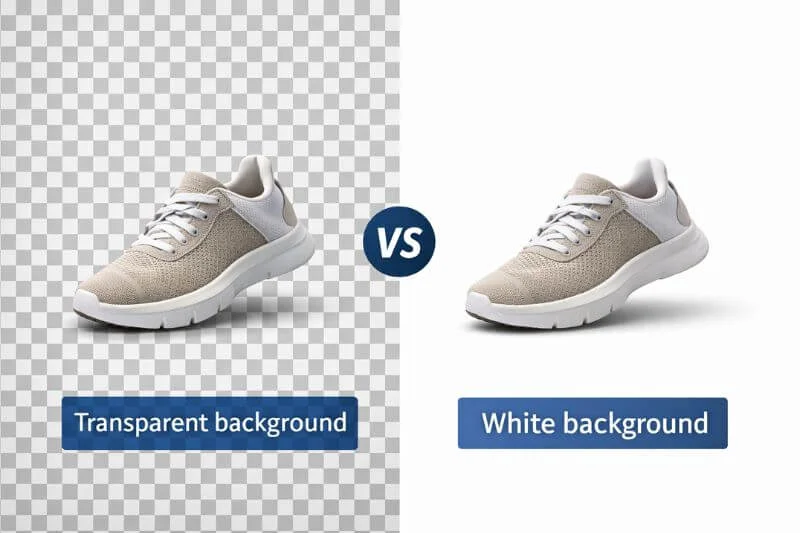
How users plan to use an image determines whether they should choose a transparent background or a white background. Different platforms, design needs, and presentation requirements guide that decision.
Transparent Background
A transparent background removes all visible background color, allowing the subject to blend seamlessly into any design or layout.
Designers use transparent backgrounds for logos, icons, website elements, and marketing graphics when they need flexibility. This approach allows them to reuse the same image across different backgrounds without visual conflict.
The most common file format for transparent backgrounds is PNG, as it supports alpha transparency while maintaining image quality. PNG transparency is a widely accepted standard in digital imaging, as documented in Adobe’s official image format guidelines.
A detailed explanation of creating transparent backgrounds using professional techniques is covered separately in our Photoshop guide.
White Background
A white background creates a clean, neutral appearance and is commonly required by ecommerce platforms and marketplaces. White backgrounds provide consistency across product listings and help ensure that images display clearly on all devices.
White backgrounds are ideal for product catalogs, comparison pages, and advertising creatives where uniformity is important. Editors typically save these images in JPG or PNG format, depending on quality requirements.
In short, white backgrounds provide consistency and platform compliance. For ecommerce-ready images, a dedicated guide explains how to create a clean white background correctly.
Background Removal Methods Explained
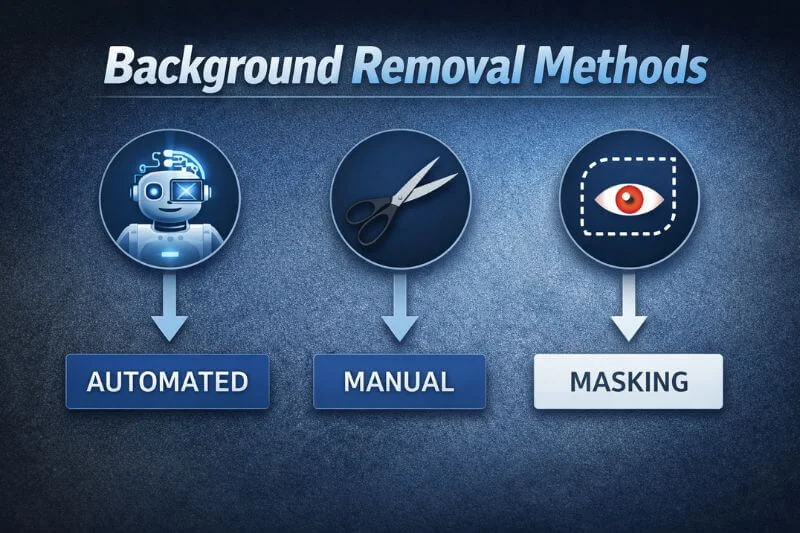
There is no single “best” way to remove a background. In general, automated methods work best for simple images, while manual selection and image masking are required for complex subjects.
Editors choose different background removal methods based on image complexity, quality and accuracy requirements, and the intended use of the image.
Automated Background Removal
Automated background removal uses artificial intelligence to detect and isolate the subject automatically. These tools prioritize speed and convenience and are often used for quick edits or simple images.
While AI-based tools have improved significantly, they still struggle with complex edges, fine details, and transparent elements. Results can vary depending on image quality and contrast. Automated methods are most suitable for simple images where precision is not critical.
Manual Background Removal
Manual background removal involves selecting and isolating the subject using editing tools. This approach provides greater control and allows for more accurate results than automation alone.
Designers and photographers commonly use manual methods when working with moderately complex images. Although these methods take more time, they provide better consistency and customization.
Image Masking and Edge Refinement
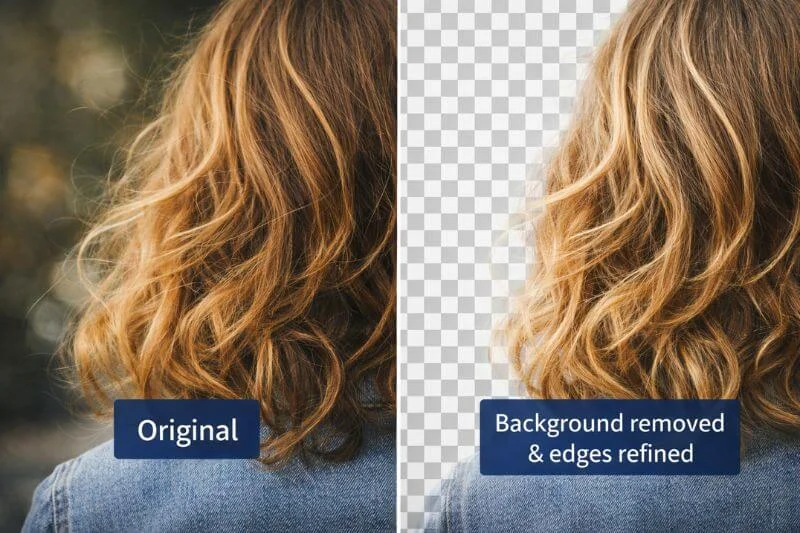
Image masking is an advanced technique used to achieve high-quality background removal. Instead of permanently cutting out the subject, masking allows editors to control visibility at a pixel level.
This method is essential for handling hair, fur, soft edges, shadows, and transparent objects. It preserves fine details and produces natural-looking results that cannot be achieved with basic selection tools or automated processes.
While background removal broadly refers to separating a subject from its background, editors typically use image masking when standard background removal methods are not sufficient. In these cases, professionals prefer masking for complex subjects where maintaining natural edges and fine details is critical.
| Aspect | Background Removal | Image Masking |
| Best for | Simple objects with clear edges | Hair, transparent or soft edges |
| Accuracy level | High (with limitations) | Very high |
| Typical use case | General image editing | Professional work |
As a result, image masking becomes the preferred approach in professional workflows where precision matters most. Professionals widely use image masking in commercial and ecommerce workflows, especially when working with complex subjects.
A dedicated guide explains advanced masking techniques used in professional workflows. It covers challenging elements such as hair, mannequins, and similarly complex subjects.
Tools Used for Background Removal
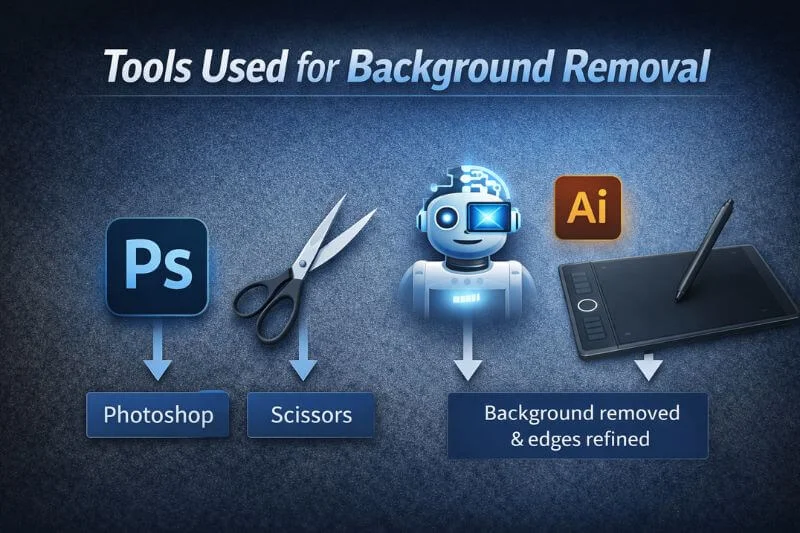
Users choose different tools based on their skill level, budget, and project requirements.
Professional Image Editing Software
Professional image editing software combines automated features with manual controls, allowing users to balance speed and precision. These tools support advanced techniques, high-resolution images, and consistent output quality, making them suitable for commercial use.
A detailed Photoshop-based approach to background removal is explained separately in our step-by-step guide, covering professional techniques for achieving clean edges, accurate selections, and high-quality results.
Free and Open-Source Tools
Free image editors provide basic background removal functionality and are useful for occasional or simple tasks. While they lack some advanced features, they are a practical option for users who do not require professional-grade results.
Users looking for a free alternative can explore background removal using open-source tools in a dedicated guide. This resource explains practical methods, limitations, and when free tools are suitable compared to professional solutions.
Online Background Removal Tools
Online tools operate directly in the browser and are designed for convenience. They are commonly used for quick edits but offer limited control and inconsistent quality, particularly for complex images.
Background Removal for Ecommerce

Ecommerce is one of the most common use cases for background removal. Clean, consistent backgrounds help users evaluate products more easily and build trust in sellers.
Many marketplaces enforce strict image guidelines, including background color, brightness, and composition. Proper background removal ensures compliance with these requirements while improving the overall visual quality of product listings.
In high-volume ecommerce environments, consistency is especially important. Variations in background quality can make catalogs look unprofessional and negatively affect conversion rates.
Logos, Branding, and Marketing Use Cases
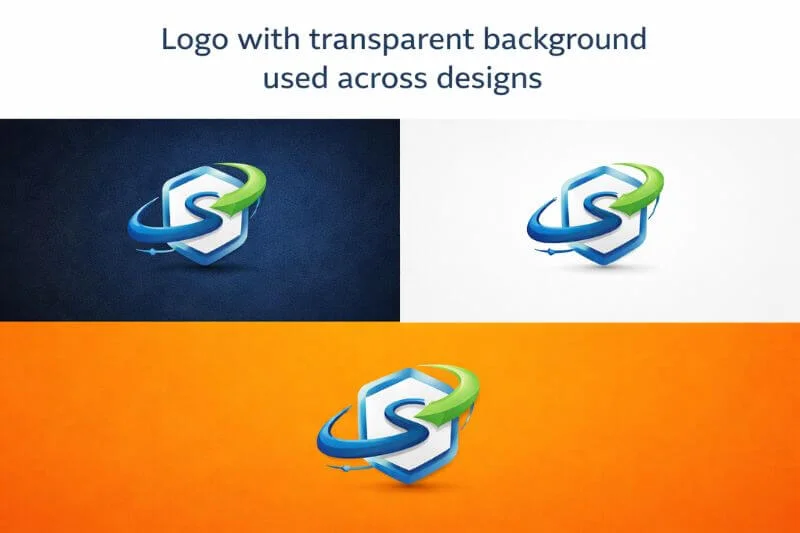
Logos and branding assets frequently require transparent backgrounds so they can be used across websites, advertisements, packaging, and print materials. Background removal allows logos to adapt to different contexts without redesigning the asset.
Marketing teams rely on background-free images to create flexible designs for campaigns and promotional content. Clean edges and accurate colors are critical for maintaining brand integrity. Logo-specific background removal workflows are explained separately for branding and marketing use cases.
Complex Subjects and Advanced Use Cases
Some images present unique challenges. Mannequins, models, layered products, and reflective or transparent materials require advanced techniques to achieve realistic results.
These use cases often demand careful masking and edge refinement to ensure the final image looks natural and polished. Professional workflows are commonly used in these scenarios to maintain quality and consistency.
Mannequin and complex object background removal workflows are explained separately in a dedicated guide, with examples of advanced masking and refinement techniques.
DIY vs Professional Background Removal
Whether to remove backgrounds yourself or use professional services depends on the project scope and importance.
DIY background removal works well for small volumes, simple images, and non-critical use cases. It offers flexibility and cost control but requires time and basic technical skills.
For large volumes or complex images, a professional background removal service ensures consistent, production-ready results with strict quality control and fast turnaround.
Common Background Removal Mistakes
Common mistakes include rough edges, color fringing, loss of fine details, incorrect file formats, and inconsistent backgrounds across images. These issues often result from using inappropriate tools or techniques for the image type.
To avoid these mistakes, users need to understand both the technical background removal process and how they will use the final images across different platforms, formats, and design requirements.
Frequently Asked Questions
Designers most widely use the PNG format for transparent backgrounds.
Yes. Clean and consistent images improve credibility and conversion rates.
Automated tools work well for simple tasks; in contrast, professional-quality results still require advanced masking.
Background removal isolates the main subject of an image or video from its background so editors can remove, replace, or make the background transparent.
Businesses should outsource background removal when they require consistent, high-quality results at scale, particularly for complex images, or when time and internal resources are limited.
Final Thoughts
Background removal is more than a technical process—it is a strategic part of visual communication.
As a result, understanding how background removal works, when to use different background types, and which methods and tools are appropriate allows users to make informed decisions.
In practice, DIY tools can often handle simple images effectively. However, professional background removal remains essential for commercial, high-volume, and complex projects. By approaching background removal strategically rather than mechanically, businesses and creators can significantly improve the impact of their visual content.
For large volumes or complex images, professional background removal can help maintain accuracy, consistency, and workflow efficiency.